
For dealers, garages, rental companies and every automotive professional
Showcase every vehicle, without a photographer or a studio
pycar is a fully standalone app: one phone is all it takes to produce studio exterior shots, detail views, a 360° interior photo and an exploded view of the vehicle. Everything is computed on the phone — no connection needed.
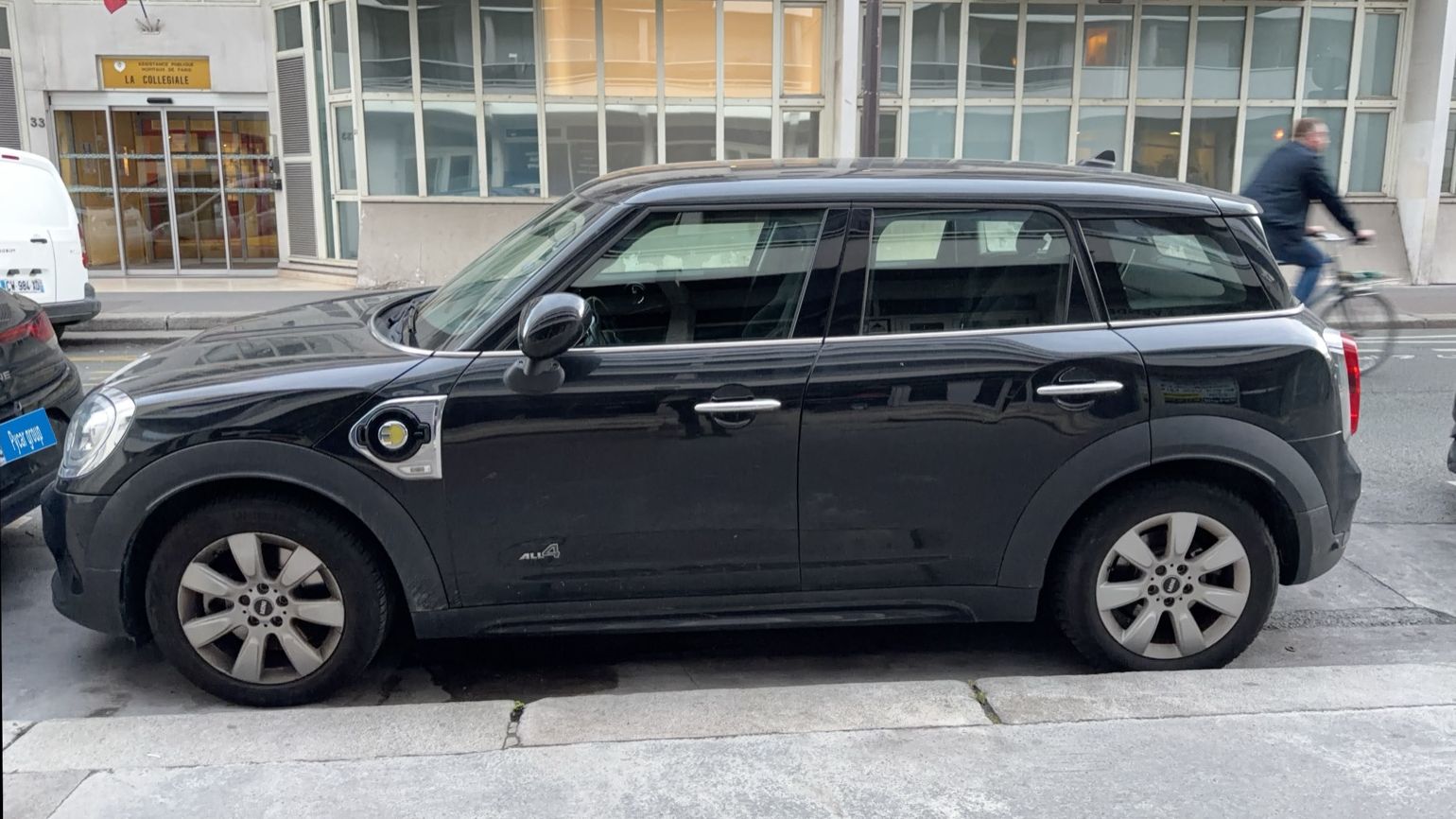
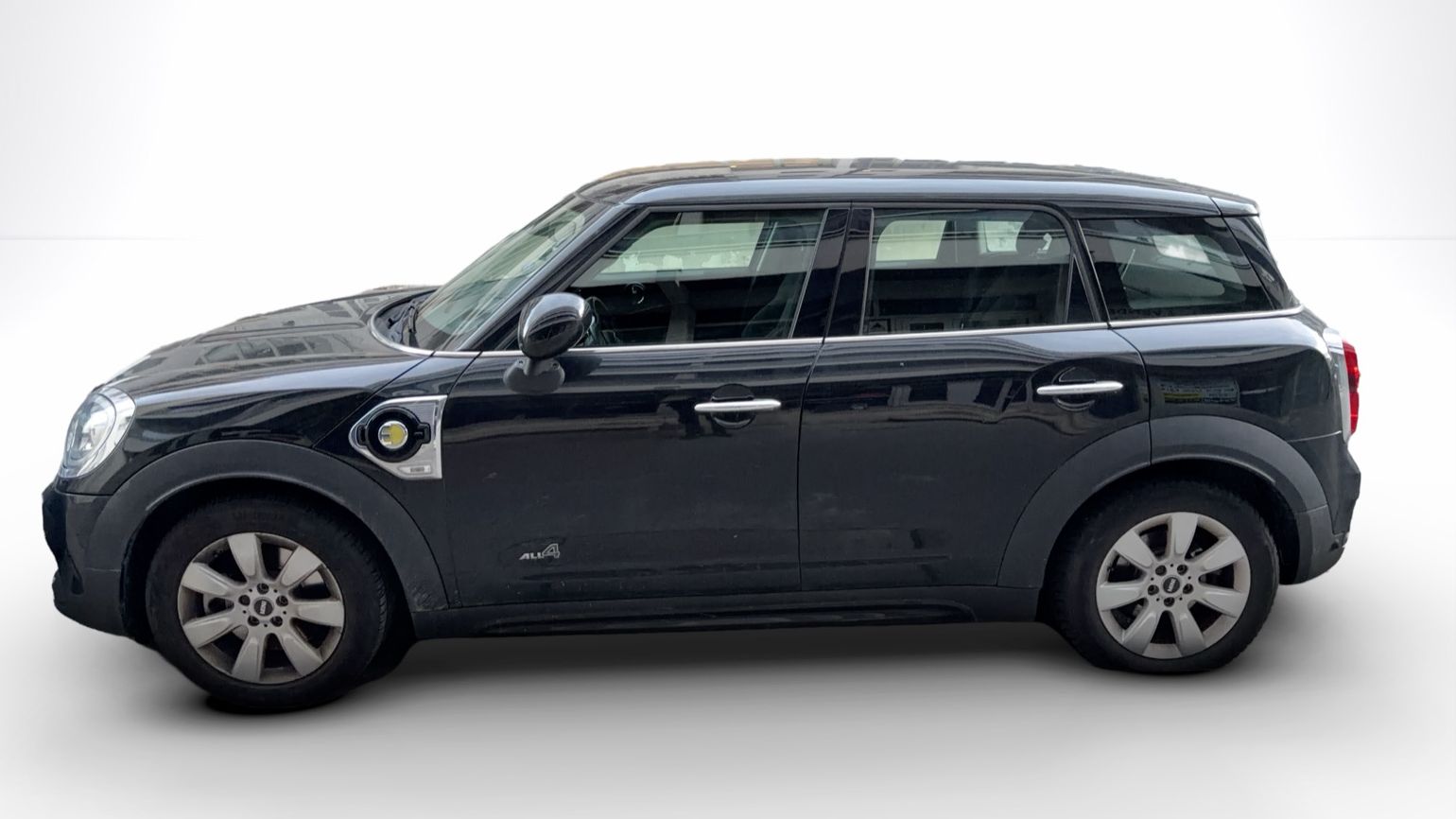
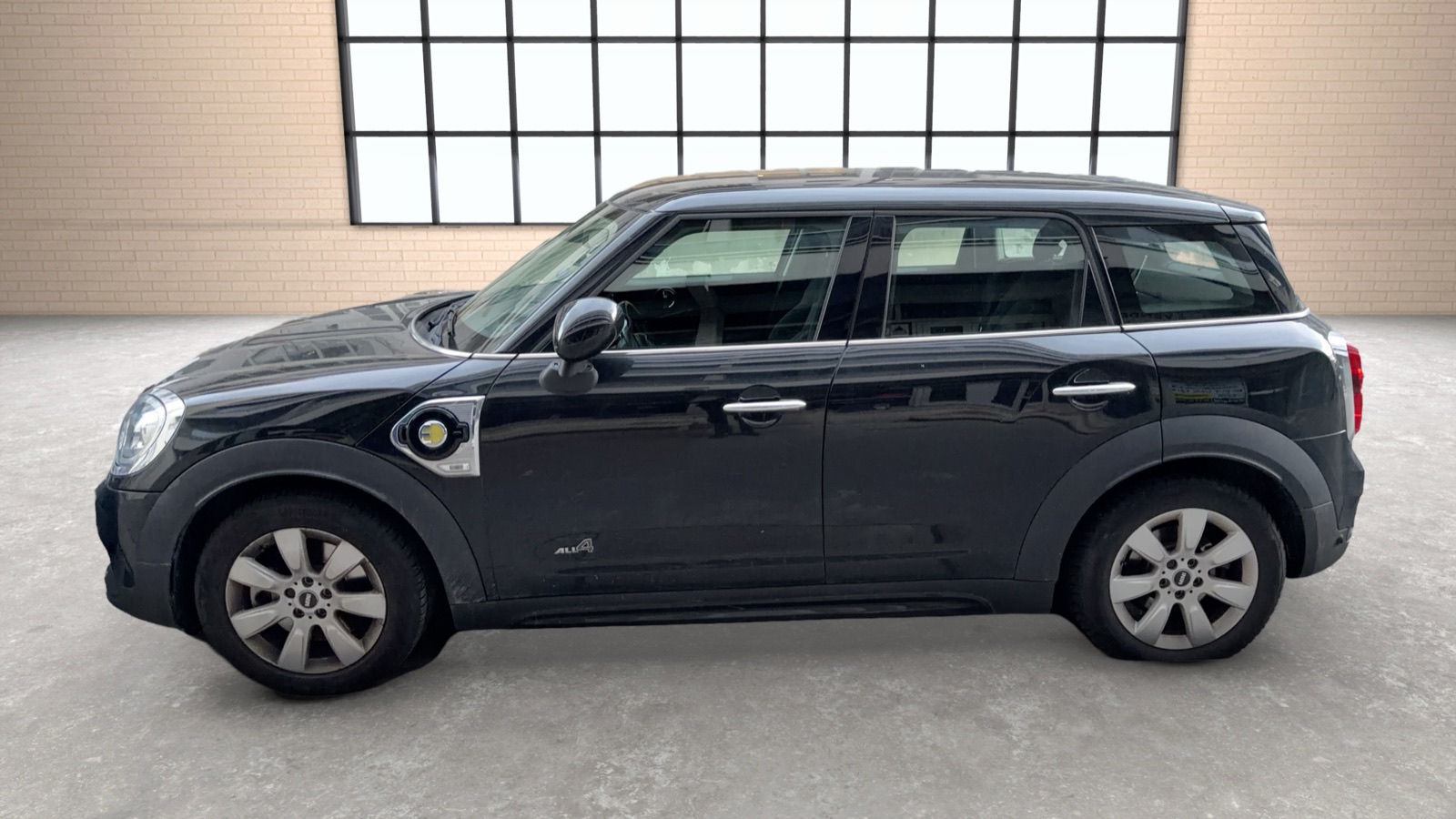
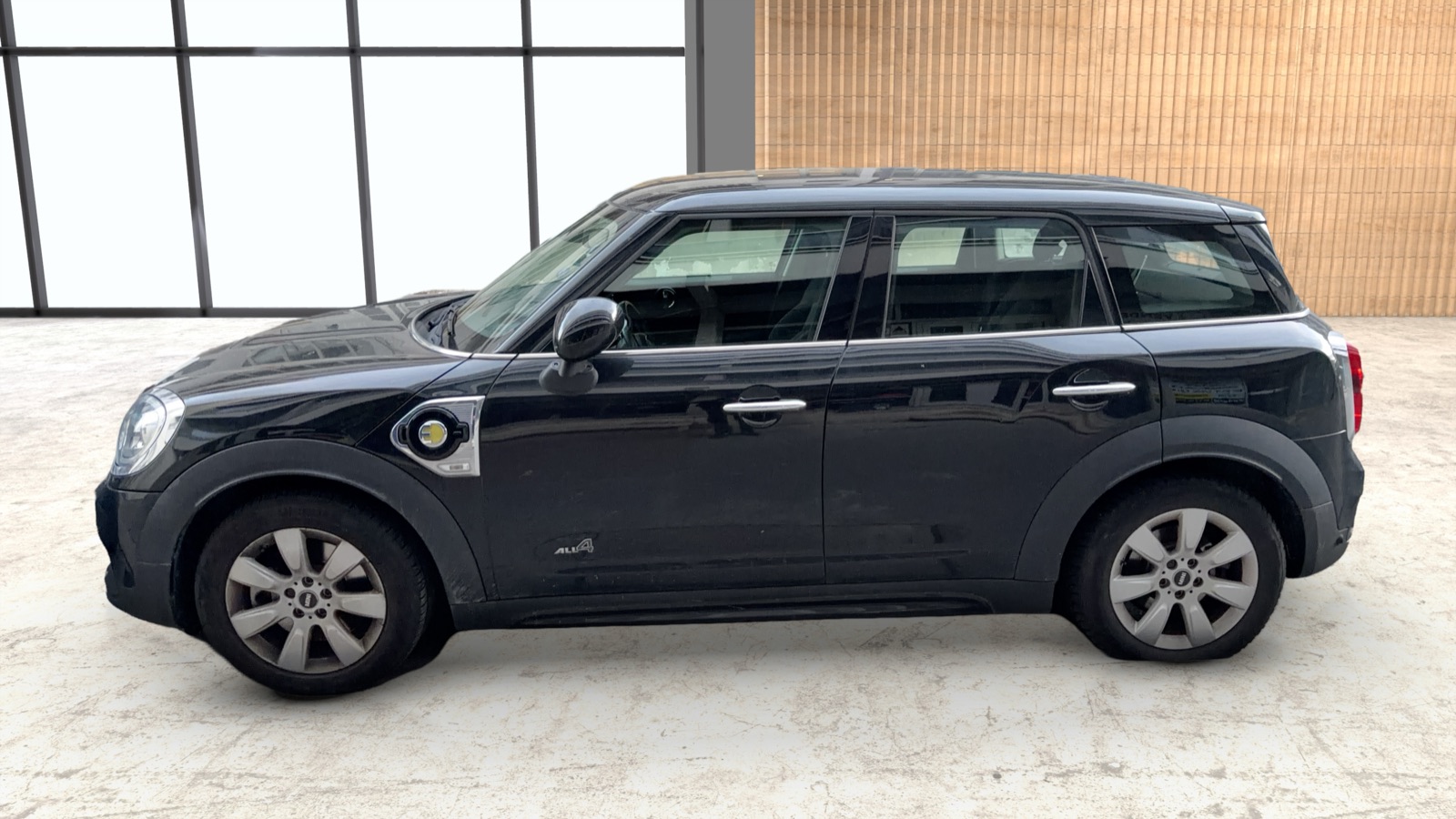
Real result: same photo, taken in the street with pycar. Drag to compare.
Why standalone changes everything for your business
No equipment to install, no service to subscribe to: the whole photo studio fits in a phone.
Four views that sell a vehicle
Exterior views
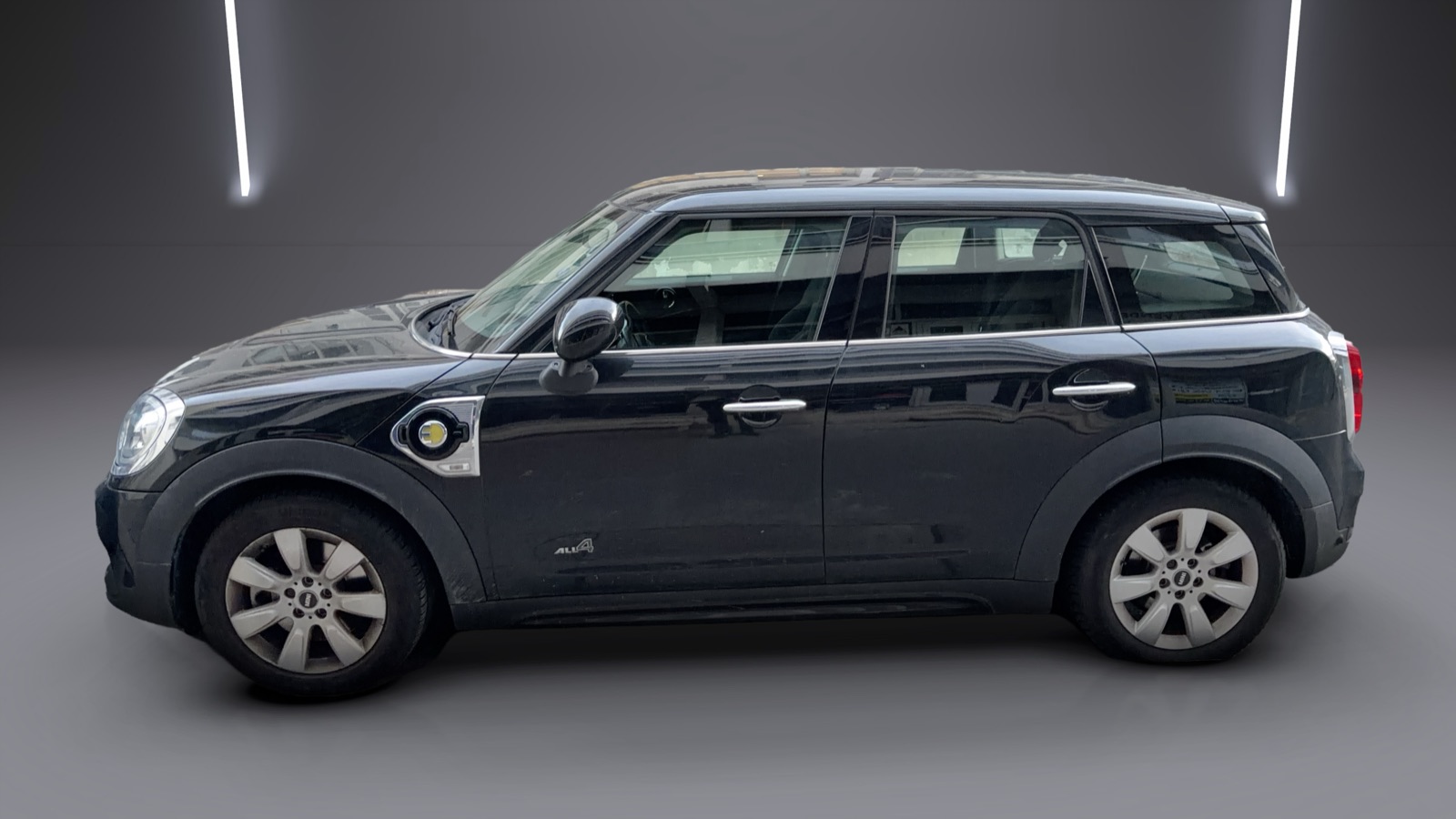
Augmented reality guides you around the car and takes each shot at the right angle, distance and height. The background is replaced by a white or black studio, a workshop or a showroom, with realistic shadows.
- Same framing for every vehicle in your stock
- Studio, workshop or showroom backdrops
- Licence plates masked with your branding
Detail views
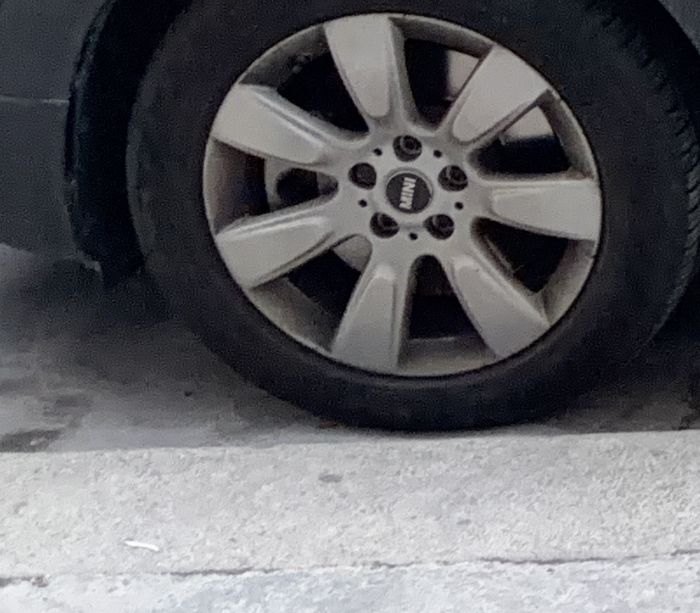
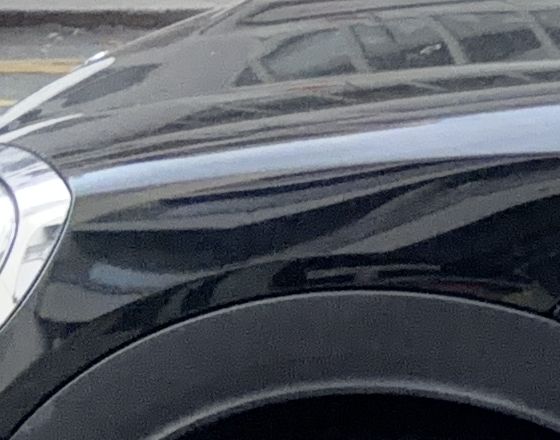
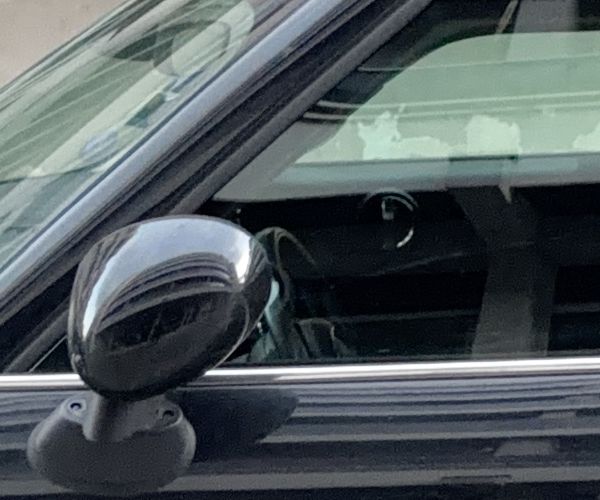
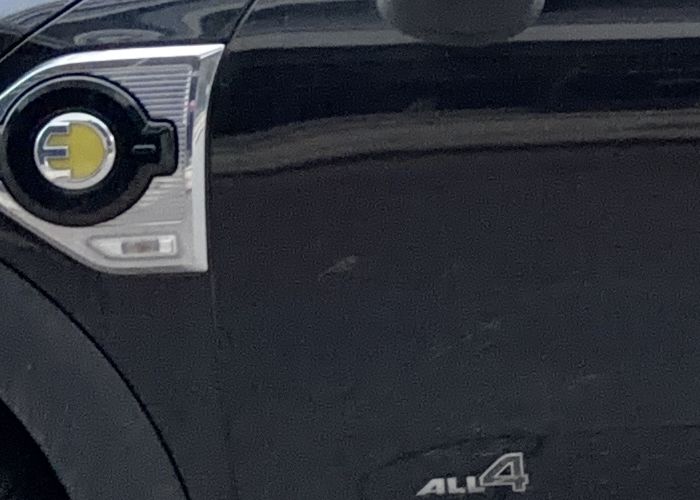
A checklist makes sure nothing is forgotten: rims, headlights, badges, dashboard, odometer, seats, boot. Use the ready-made lists or create your own.
- Ready-made or custom checklists
- Framing hints for each detail
- 48 MP photos on compatible iPhones
360° interior photo
Let buyers step inside the car. Capture the cabin in 360° with the phone alone, or in one shot with a RICOH THETA camera controlled directly from the app.
- Phone only, or RICOH THETA in one shot
- Interactive viewer in the app
- Shared with the rest of the vehicle file
Exploded view management
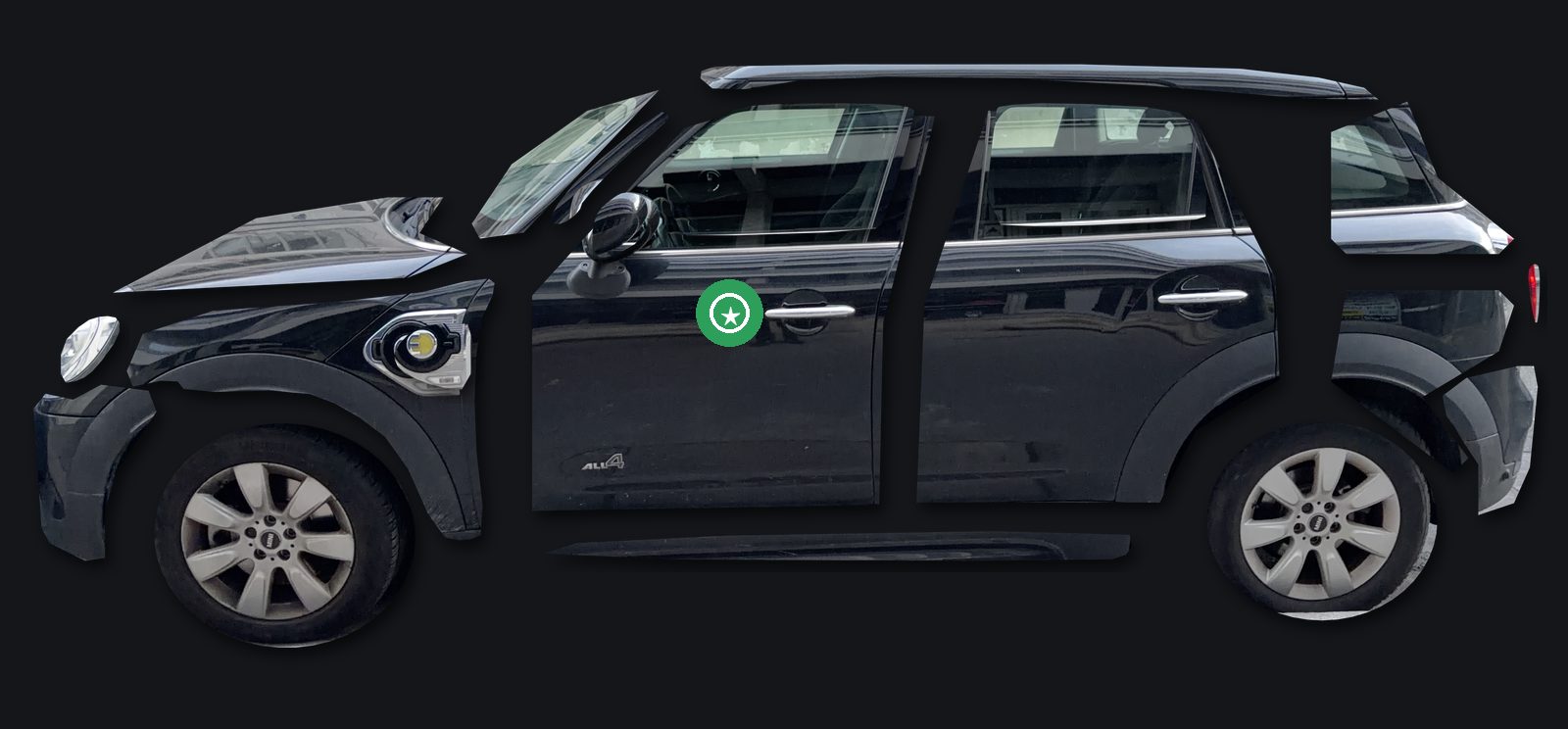
pycar breaks each exterior photo down into panels — doors, wings, bonnet, bumpers, wheels — so you can zoom in on each part, place quality and defect hotspots, and attach a detail photo to each.
- Every panel isolated and named
- Quality and defect hotspots with detail photos
- Pinch to zoom on every part
For everyone who needs to present a vehicle
Whatever your business, pycar gives every vehicle the same professional presentation.
One photo, every backdrop
Choose the look that fits your brand. pycar recalculates the shadows and the ground for each backdrop.
And everything else your team needs
Precise AI cutout
A dedicated AI separates the car from its surroundings with clean edges, down to the antenna and mirrors — neighbouring cars stay out.
Plate masking
Licence plates are detected and covered with your own branded plate, on photos, studio renders and videos.
VIN & plate scanning
Read the chassis number and the licence plate from a photo. The VIN check digit is verified automatically.
Detail checklist
Rims, dashboard, odometer, seats, boot… Ready-made or custom checklists make sure no detail photo is forgotten.
Studio backdrops
Replace the street with a white or black studio, a workshop or a showroom, with realistic shadows and reflections matched to the camera angle.
Send to your systems
With the pycar API, each vehicle file is sent to your own server with OAuth 2.0 or a login and password. Documentation included.
How it works
No photographer, no turntable, no editing software.
Create the vehicle
Scan the plate or the VIN, add brand, model and mileage, and pick a shot list.
Follow the guide
Walk around the car: pycar tells you where to stand and takes each photo at the right moment.
Share the result
Get studio photos, detail photos, exploded views and 360° view, ready for your listing.
Recommended phones
Because all processing runs on the phone, a recent model gives the best speed and precision.
iPhone
Optimal
- iPhone 15 Pro / 15 Pro Max
- iPhone 16 Pro / 16 Pro Max
- iPhone 17 Pro / 17 Pro Max
- LiDAR for precise distance and height, 48 MP camera
Compatible
- iPhone 12 or later
- iOS 18 or later
- Without LiDAR, distances are estimated by the camera
Android
Optimal
- Samsung Galaxy S24 / S25 (Ultra, +)
- Google Pixel 9 / 10 Pro
- OnePlus 13, Xiaomi 15 Pro
- Snapdragon 8 Gen 3 / Elite, Tensor G4 or newer, 12 GB RAM
Compatible
- Android 13 or later, ARCore certified
- Snapdragon 8 Gen 2, Tensor G3, Dimensity 9200 or newer
- 8 GB RAM
128 GB of storage or more is recommended: 48 MP photos and studio renders take space.
See pycar on your own vehicles
Tell us about your business and we’ll get back to you with a demo.
Request a demo